Your first review
In about five minutes you'll open a review of code an agent just wrote, read it, ask for changes, and watch the fixes land while you're still reading. That loop is the point: you aren't signing off on finished code, you're shaping it live with the agent that wrote it.
Before you start
- Your agent needs the Diffo skill. It's what teaches it to open reviews and answer your comments. Getting started installs it in one command.
- Node >= 24 and git.
- A repo with uncommitted work in it. Any edit will do.
1 · Ask your agent to open a review
In the session that wrote the code, type /diffo or say "open a diffo review".
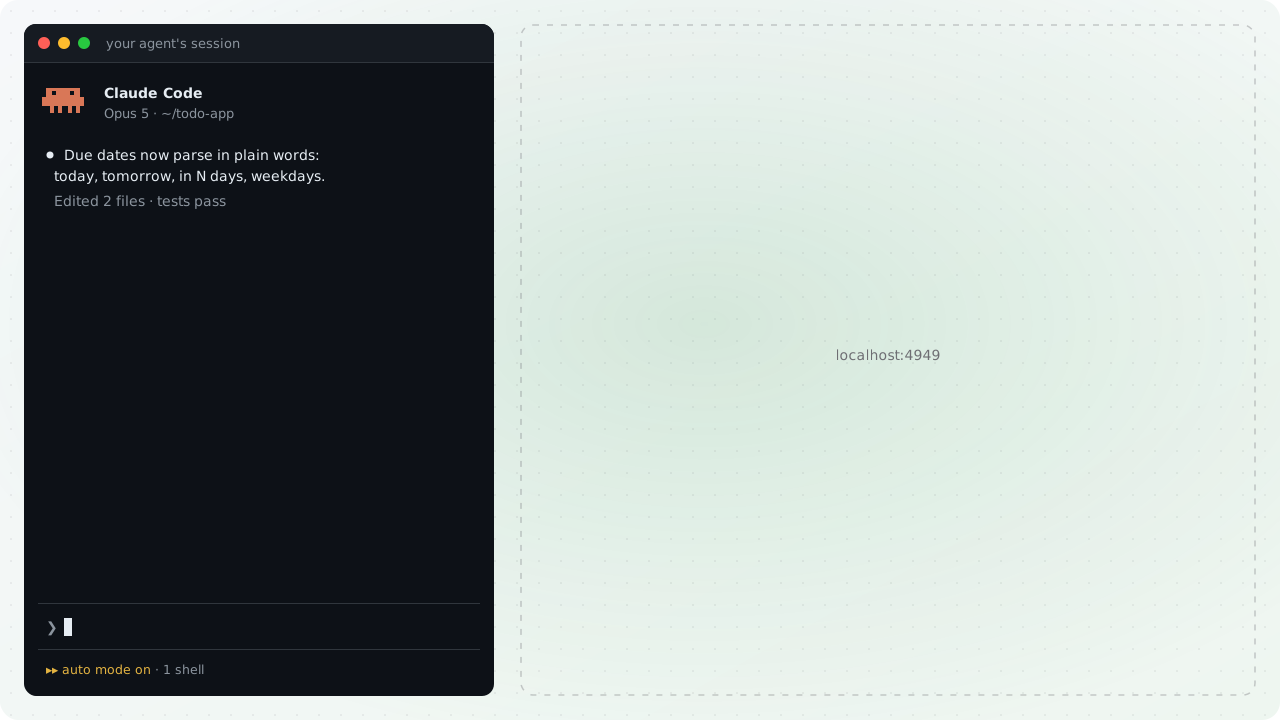
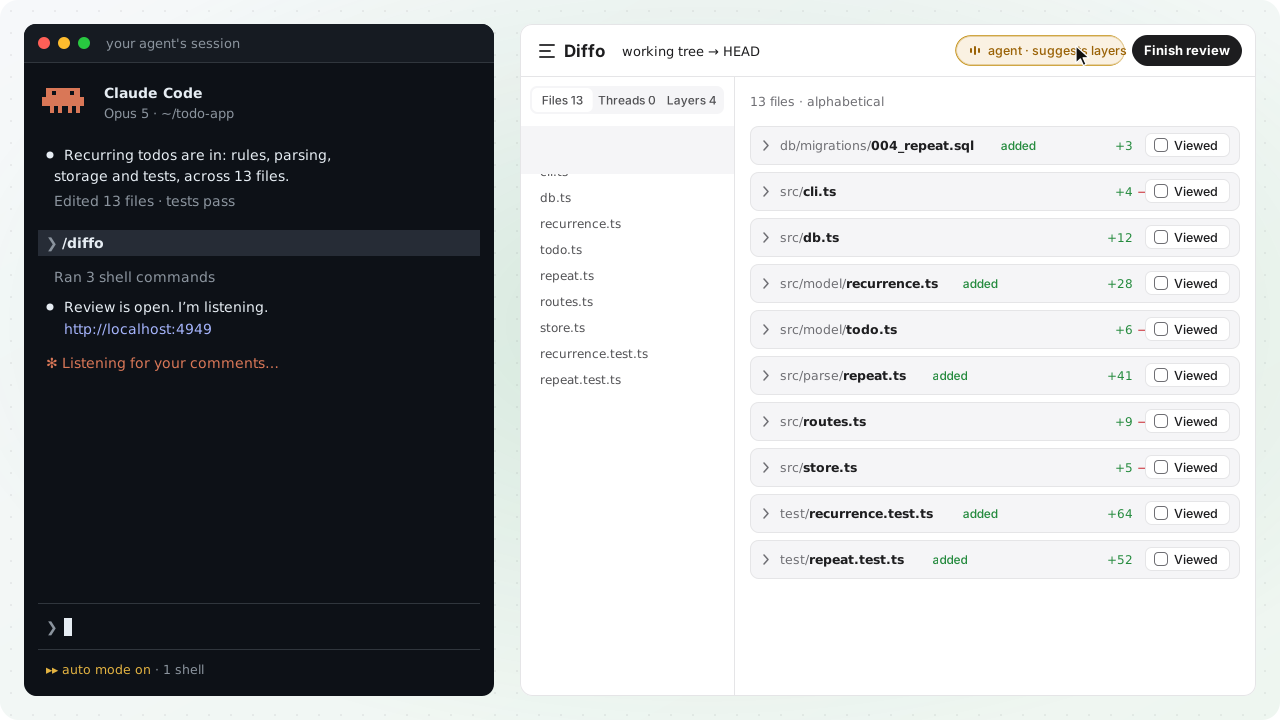
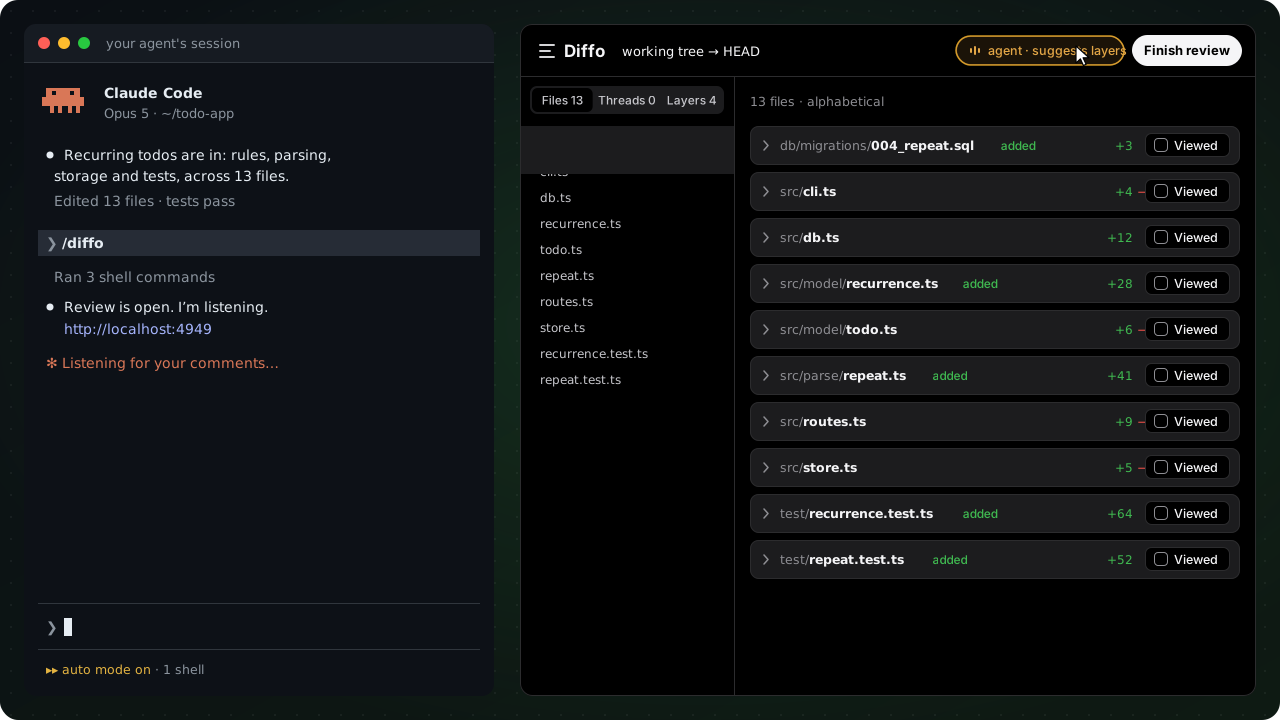
The agent opens the review and hands you the URL. It's attached and listening from the first second (see the listening badge in the header), so your comments land in the session with all the context, and its answers land back in your threads immediately.
If the change is multi-file or structural, it also leaves a guide: one comment on the whole changeset saying what the change does, with a diagram when the shape is easier to see than to read. It's written while you open the page and lands at the top of the review a moment later, with a banner pointing at it if you've already scrolled on. It orients your reading and stops there, with no verdicts, so you start with a map instead of a wall of diff.
For a change with an order worth explaining, the agent may also suggest layers: the header chip reads agent · suggests layers. Click it, or press Ask the agent to outline in the Layers tab, and a moment later the change arrives as ordered steps, each with a title, a summary, and its files. You can ask whether the agent suggested it or not; without an outline the review is the plain file list. Layers has the detail.
2 · Review the code
Read the diff, start threads on any line, file, or changeset. Every one of them is a live conversation with the agent that opened the review.
The bar above the diff counts down as you mark files reviewed: 12 left, then all reviewed. With layers, ] and [ step between them, and n rolls from one layer's last unread file into the next.
To comment, press c on a hunk, or hover any line and click the button in the gutter. For several lines at once, drag down the line numbers and release; the composer opens on the range, and the ▲/▼ on its chip (or a shift-click) adjust the edge one line at a time without losing what you've typed.
Every comment is either a Change or a Question. A Change asks for an edit. A Question gets an answer and nothing else: the agent is told not to touch the code, so "why a Map here?" never turns into an unrequested refactor.
Then pick where it goes:
- Add comment (
⌘↵) keeps it on the review while you continue reading. - Send to agent delivers it right away.
Send comments one at a time or batch the review and send it at the end, same as GitHub.
3 · Finish the review
Whatever you send arrives in the agent's session anchored to the code it points at, and its reply comes back into the same thread.
When you're done reading, hit Finish review in the header.
A preview shows exactly what will be sent: every thread, plus your coverage (38/42 hunks read, 2 files skipped). Add a closing note if you want; it goes out as a thread on the whole changeset, leading the batch, and the agent replies to it there.
After you send:
- The header flips to working, and the threads you sent show as in flight.
- The agent receives your comments, each anchored to the code it's about.
- Questions get an inline reply in their thread. Changes get the edit, and the diff updates as each one lands.
- When the batch is done, the header returns to listening, ready for your next round.
No pull request, no push, no waiting for CI, and no context lost between the person who read the code and the agent that wrote it.
Repeat until the code is ready
The agent's fixes land in the same review: the diff re-renders as it works, so you're reading the fix itself, not a promise of one.
This is the whole idea. Review isn't a gate the code passes at the end; it's how the code gets finished. The agent stays in the flow with you, round after round: read what changed, comment again, send again. When every thread is resolved and the diff reads clean, the code is ready.
Part two · A pull request
The same loop works on a pull request that lands on your desk, with your agent reading beside you instead of answering for its own work. You need the GitHub CLI signed in, and any open pull request in a repo you can clone.
- Open it. In any session,
/diffo <PR link>. The PR is fetched into a worktree Diffo owns, so nothing in your checkout moves, and the review opens with the PR's title, author and checks in the header. Row 0 of the Layers list is the Overview: the description, and the GitHub conversation you are part of. - Read it in layers. The agent suggests an outline when the change has an order worth explaining. Click the chip and read one layer at a time, as before.
- Ask the agent. Every composer has two tabs. Ask agent is private: the agent can run the tests in the worktree and answer with evidence, and when the answer is a fix it comes as a
```suggestionblock in the reply. - Leave a comment for the author. Flip the tab to Comment on PR (
⌘.). It's a blue draft, and it posts when you finish, not before. - Submit. Submit review is GitHub's own dialog: a body, a verdict, then one review posted through your own
gh. Your private threads go to the agent at the same time.
Reviewing a pull request has what the picture doesn't show: a push while you read, merged and closed pull requests, and the worktree's life.
Your review is durable
Comments live in Diffo's local server, not in the agent's session. Close the terminal, kill the agent, or restart the machine: the review and everything you sent are still there, and the next agent to attach picks up whatever wasn't answered yet. Threads are scoped per repo and branch, so switching branches never mixes reviews.
Where to go next
- Layers: the agent's reading plan, in full.
- The agent protocol: how an agent attaches, what a poll payload carries, and how presence works.
- Architecture: the diff pipeline, the delivery queue, and the SQLite state.
- FAQ: the short answers.